


Autopay can wreck your credit as easily as it can build it.
Miss one pull from an empty account and that 30-day late mark can ding your score for years.
Set it up right and autopay makes on time payments nearly automatic, which matters because payment history is about 35 percent of your FICO score.
This post shows a simple three-step safety plan.
Pick the right payment type (full balance or minimum), keep a buffer in your checking account, and schedule transfers several days before the due date.
Follow these steps and autopay will help your credit instead of hurting it.
Best Ways to Use Automatic Payments Safely Without Harming Your Credit
The safest autopay setup gives you three layers of protection. Pick either full balance or minimum payment autopay, keep a buffer in your checking account that covers at least one month of bills, and schedule everything to run three to five days early. Your payment history makes up about 35 percent of your FICO score. Miss a payment by 30 days and you’re looking at a score drop that can stick around for seven years. Late fees start at $28 for a first offense. If autopay tries to pull from an empty account, you’ll probably eat a $34 overdraft fee on top of that.
Keeping enough money in the account and choosing the right autopay amount work hand in hand. Full balance autopay pulls the entire statement amount on schedule, so you don’t pay interest and your credit report stays clean. When your cash flow changes from month to month, set autopay to cover just the minimum. That keeps you current while you review the statement and pay the rest manually. Both approaches protect your credit, but minimum autopay still means you’ll pay interest on whatever’s left over.
Billing cycles follow strict timelines. A payment that’s more than 30 days late can get reported to all three bureaus, and that mark doesn’t disappear for seven years. Let a bill sit unpaid for 180 days and you’re facing a charge off, which wrecks your creditworthiness for years. Interest keeps piling up the whole time, and a lot of issuers will slap you with a penalty APR that makes everything worse.
Safest autopay practices to prevent credit harm:
- Maintain a buffer fund equal to one month of recurring payments in your linked checking account so overdrafts can’t block a scheduled withdrawal.
- Enable low balance text or email alerts from your bank, usually set to ping you when the account drops below $200 or whatever threshold makes sense for you.
- Choose full balance autopay when income is stable to skip all interest and keep your credit card reporting zero balance each cycle, or select minimum payment autopay when cash flow varies and review statements to pay the rest yourself.
- Review monthly statements within 48 hours to catch billing errors, fraud, and subscription renewals before autopay processes.
- Avoid overdraft risk by linking a backup funding source like a secondary checking account or a low limit credit card you only use for emergency bill coverage.
- Schedule autopay to run several days before the due date so processing delays, weekends, and bank holidays can’t push the posting date past the deadline.
Key Steps for Setting Up Automatic Payments the Right Way
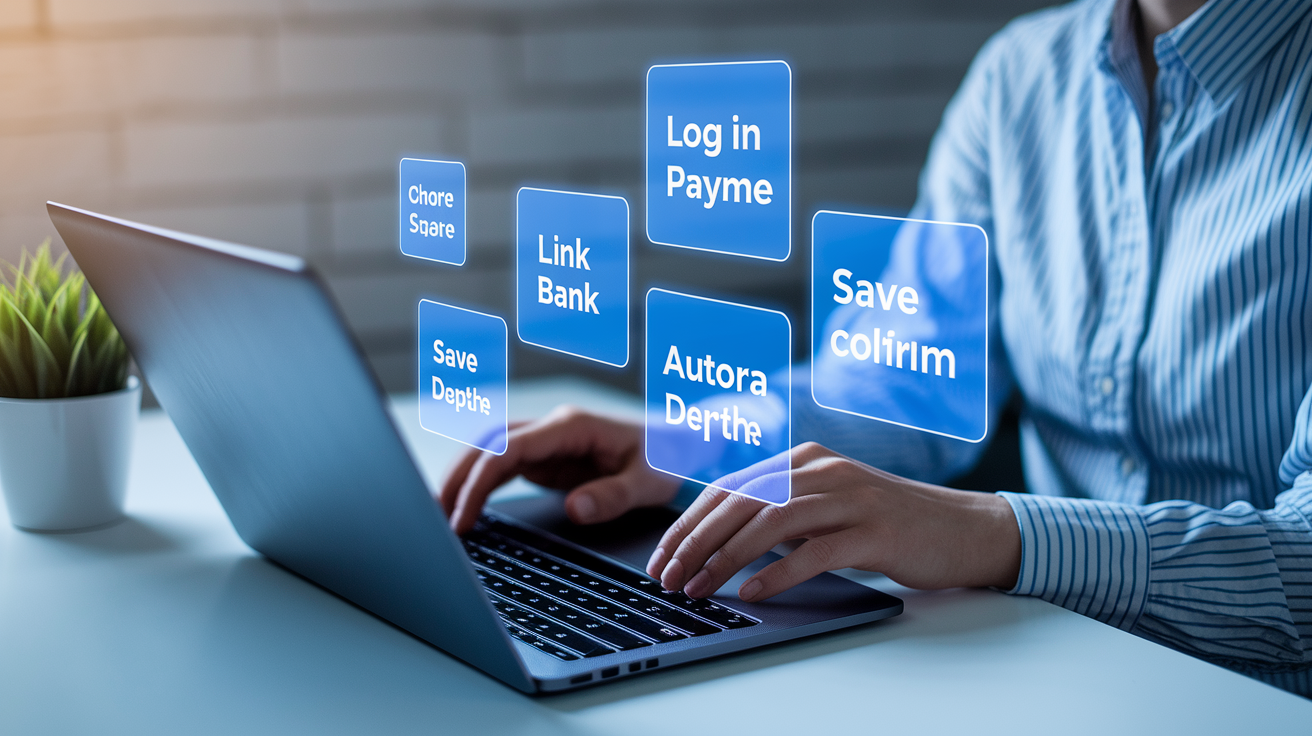
Setting up autopay means logging into your credit card issuer’s online portal or mobile app, finding the payment or billing settings section, and turning on automatic payments. You’ll link an external bank account by entering your routing number and account number exactly as they show up on a check or bank statement. If your checking account and credit card live at the same institution, you might authorize internal transfers instead. The system will ask you to verify the linked account, sometimes by confirming two small test deposits that appear in your checking account within one to two business days.
Most automated payments move through the Automated Clearing House network, an electronic system that batches and processes transfers between banks overnight or within one to three business days. Some issuers, including Chase, process payments on the account due date and will shift processing to the prior Friday if the due date lands on a weekend. If your issuer doesn’t guarantee same day posting, scheduling the transfer at least three days early makes sure the payment clears before the official deadline.
Complete autopay setup process:
- Log in to your credit card account using the issuer’s website, mobile app, phone line, or in branch terminal if you can’t get online.
- Navigate to payment settings by selecting “Autopay,” “Automatic Payments,” or “Manage Payments” from the account dashboard or billing menu.
- Link your bank account by entering the nine digit routing number and your full checking account number. Double check both numbers before you submit.
- Choose your payment type by selecting full statement balance, minimum payment due, or a fixed dollar amount you specify.
- Select a payment date by picking a day that falls at least three to five days before your account due date, or choose the due date itself only if your issuer confirms same day posting.
- Save and confirm your autopay settings, and review the confirmation screen to verify the linked account number, payment amount, and scheduled transfer date.
- Check your autopay schedule in the account portal within 24 hours to make sure the system displays your new recurring payment alongside its next scheduled run date.
After you finish setup, the first autopay transaction will process on the next scheduled date you picked, and the system will repeat the transfer on the same day each billing cycle unless you manually change or cancel autopay. Confirm that the payment posted by logging in the day after the scheduled transfer and checking that your bank account shows the withdrawal and your credit card account shows the received payment with a matching dollar amount.
Choosing the Right Bills to Automate for Strong Credit Protection
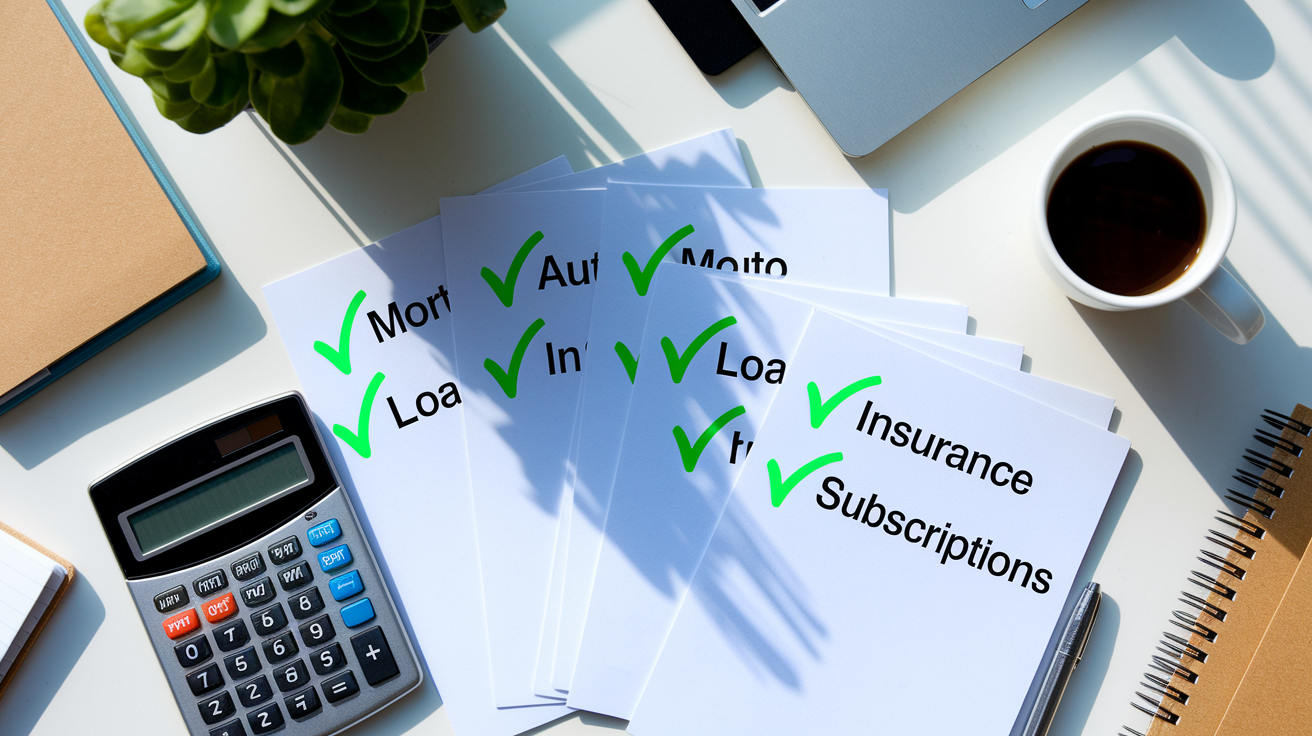
The best bills to automate are the ones with stable, predictable amounts that stay constant month after month. Mortgage or rent payments, auto loans, student loans, monthly insurance premiums, and fixed subscription services like streaming platforms or gym memberships make ideal autopay candidates because the payment amount doesn’t bounce around. Automating these recurring debts builds reliable on time payment history, which strengthens credit scores over time and gets rid of the risk of forgetting a due date when life gets busy.
Variable bills need more caution because the amount due changes from month to month and can spike when you’re not expecting it. Electric and gas bills climb during extreme weather, and credit card balances move around based on spending patterns. Automating the full amount without reviewing the statement first can drain your checking account or trigger overdrafts. The safest approach for variable bills? Set autopay to cover the minimum payment due, which stops late fees and protects your credit from 30 day delinquency marks, then manually pay the remaining balance after you log in to review the full statement for errors or unauthorized charges.
Automating bills that report to credit bureaus delivers the biggest credit protection benefit because consistent on time payments on these accounts directly improve your payment history, the factor that represents roughly 35 percent of a FICO score. Credit cards, installment loans, and mortgages all report. Utility companies and subscription services typically don’t report regular payments to credit bureaus unless the account goes to collections, so automating those bills helps you avoid late fees and service interruptions but doesn’t directly boost your credit score. Prioritize autopay for debts that appear on your credit report, and use manual payment reminders or minimum autopay settings for bills that change frequently.
Avoiding Common Autopay Mistakes That Can Damage Credit
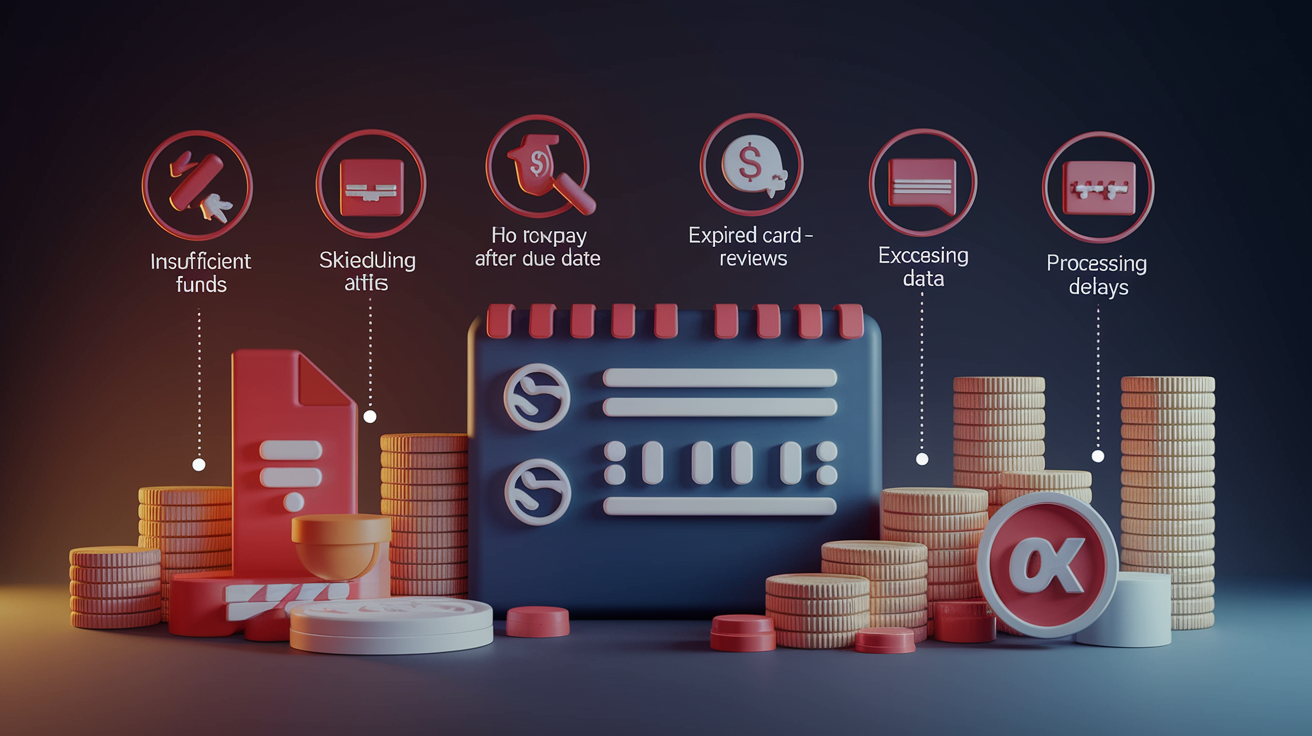
Overdraft fees, declined payments, and unnoticed billing errors represent the three most expensive autopay mistakes. Each one can trigger late payment marks, penalty interest rates, and long term credit damage. When your linked checking account doesn’t have enough money on the scheduled autopay date, your bank may either decline the transaction outright or process it and charge you the median overdraft fee of $34. Either way, the credit card issuer doesn’t receive a valid payment. If the payment stays unpaid and crosses the 30 day threshold, the issuer will report the delinquency to all three credit bureaus, dropping your credit score and creating a negative mark that sticks around for seven years.
The consequences get worse when autopay failures go unnoticed for multiple billing cycles. A payment that stays more than 180 days overdue may trigger a charge off. That’s a formal declaration that the account is uncollectible, and charge offs remain on your credit report for the full seven year period while continuing to rack up interest and potential collection activity. A lot of issuers also apply a penalty APR after a single late payment, raising your rate significantly and making it harder to pay down the debt even after you fix autopay funding.
Critical autopay mistakes to avoid:
- Insufficient funds in the linked account when autopay runs, causing either a declined payment or an overdraft fee and leaving the bill unpaid.
- Scheduling autopay on or after the due date instead of several days early, risking processing delays that push the posting date past the deadline.
- Automating variable bills at a fixed dollar amount that may fall short of the minimum payment when the balance rises.
- Skipping monthly statement reviews because autopay feels “set and forget,” allowing billing errors, fraudulent charges, and subscription price increases to recur unchecked for months.
- Forgetting to update expired credit or debit card information when using a card as the autopay funding source, causing the payment to fail silently until you get a late payment notice.
- Ignoring bank processing delays and weekend shifts that can move the actual posting date one to three business days later than the scheduled transfer date you selected.
- Relying entirely on autopay without backup reminders or secondary funding sources, leaving no safety net when the primary account experiences unexpected holds, fraud locks, or low balances.
- Continuing autopay after canceling a service because the vendor didn’t honor your cancellation request, resulting in recurring unauthorized charges that drain your account.
Best Payment Timing Strategies for Autopay and Credit Health
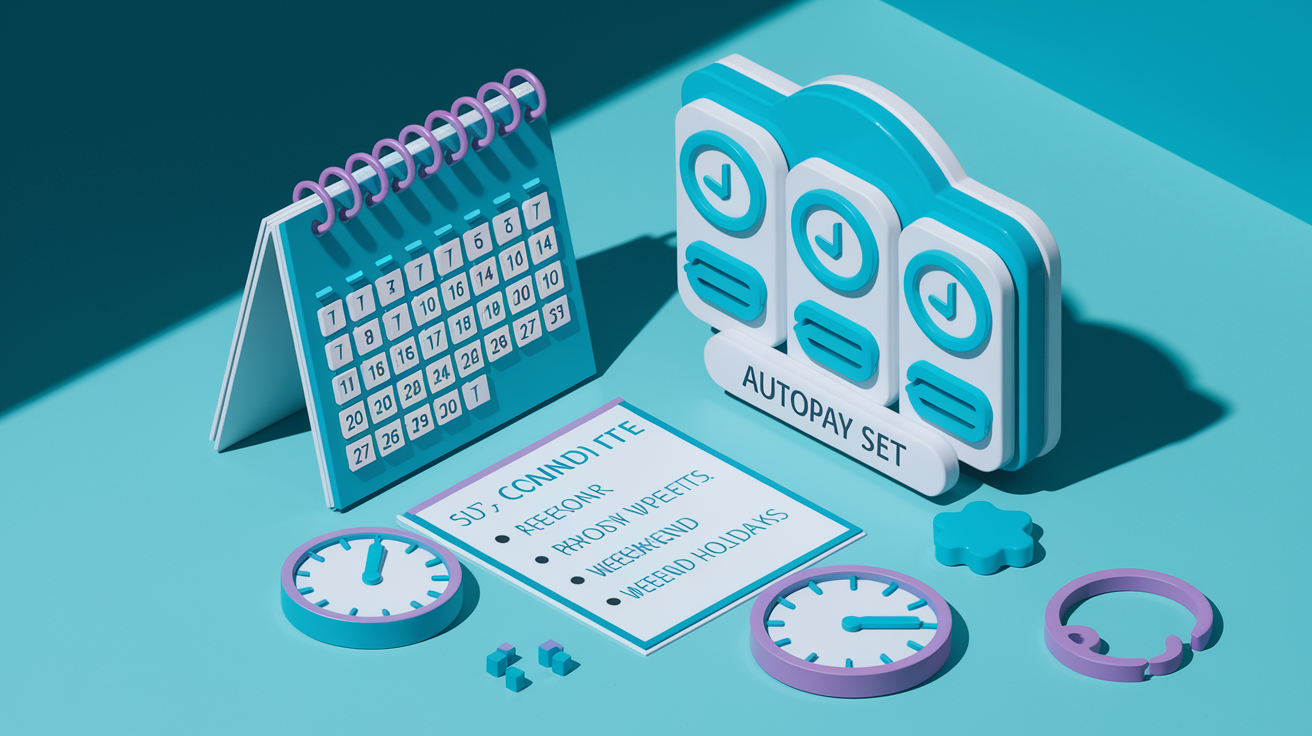
Scheduling autopay to process three to five days before your account’s official due date creates a safety buffer that absorbs bank processing delays, weekend shifts, and ACH settlement times without risking a late payment. Lots of issuers process payments on the due date itself, but if that date falls on a Saturday or Sunday, the system may shift the transaction to the prior Friday. If your checking account receives deposits on Mondays, autopay could withdraw funds before your paycheck clears. Setting the autopay date slightly earlier makes sure the payment posts in time regardless of calendar quirks.
Aligning autopay dates with your paycheck schedule cuts down on overdraft risk and makes cash flow management predictable. Let’s say you get direct deposits on the first and fifteenth of each month. Schedule autopay to run on the third or seventeenth so your account holds peak funds when the transfer processes, and don’t schedule payments right before large recurring debits like rent or mortgage withdrawals that could drain the same account on the same day.
| Timing Strategy | Benefit |
|---|---|
| Schedule autopay 3–5 days before the due date | Absorbs processing delays and makes sure payment posts before the deadline, stopping late fees and credit bureau reporting at 30+ days past due |
| Align autopay dates with paycheck deposits | Keeps peak account balance when transfers run, cutting overdraft risk and simplifying monthly cash flow planning |
| Avoid scheduling on weekends or holidays | Stops automatic date shifts to the prior Friday, which can cause conflicts with other scheduled debits or deposit timing |
| Account for ACH settlement delays of 1–3 business days | Makes sure payment clears before the credit card issuer’s reporting cutoff, even if your bank batches transfers overnight |
| Use the same autopay day each month for all recurring bills | Creates a predictable withdrawal calendar that makes monitoring easier and helps you spot missing or duplicate payments quickly |
Monitoring and Maintaining Autopay to Protect Your Credit Long-Term

Reviewing your monthly statements within 48 hours of receiving them stays essential even when autopay handles the payment mechanics. Automation doesn’t prevent billing errors, fraudulent charges, or subscription renewals you no longer want. Log in to your credit card account at least once per billing cycle and compare each line item against your receipts or bank records. Dispute unfamiliar charges right away by contacting the issuer’s fraud department and submitting a written dispute within 60 days of the statement date. Autopay will keep processing scheduled transfers regardless of errors on your bill, so catching mistakes before the payment posts is the only way to avoid paying for charges you didn’t authorize.
Enabling low balance alerts from your bank creates an early warning system that notifies you by text or email when your checking account drops below a threshold you specify, usually $200 or one week’s worth of recurring autopay debits. These alerts give you time to transfer additional funds, pause non essential autopay schedules, or switch to manual payments before an overdraft happens. They also flag unusual account activity that may point to fraud or processing errors. Payment confirmation alerts from your credit card issuer provide a second layer of oversight by notifying you each time an autopay transfer completes, letting you cross check the withdrawal amount and posting date against your records.
Tracking variable bills like credit cards and utilities requires extra attention because the autopay amount changes each month. Large spikes can surprise you if you rely only on automation. Set a calendar reminder to review these accounts one week before the autopay date, check that your checking account holds enough to cover the scheduled payment, and manually pay any balance above the autopay minimum to skip interest charges. If you notice recurring billing errors or subscription charges for services you canceled, document the issue with screenshots and contact the vendor in writing to stop future debits, then follow up with your bank to block the merchant if charges keep coming.
Essential autopay monitoring habits:
- Review full statements monthly by logging in within two days of statement close and checking every transaction for accuracy, unauthorized charges, and subscription renewals.
- Enable transaction alerts for low balances, completed autopay transfers, and any credit or debit above a dollar threshold you choose, like $50.
- Confirm payment posting the day after each scheduled autopay by checking that your checking account shows the withdrawal and your credit account shows the received payment with matching amounts.
- Track variable bills separately by setting reminders to check utility and credit card balances one week before autopay runs.
- Dispute errors immediately by contacting your issuer’s fraud or billing department within 60 days of the statement date and following up in writing to preserve your dispute rights.
Backup Payment Methods and Contingency Planning for Autopay

Linking a secondary checking account or a low limit credit card as a backup funding source prevents missed payments when your primary account runs into unexpected holds, fraud locks, or insufficient balances. A lot of issuers and banks let you designate a backup payment method that automatically kicks in if the primary transfer fails. Using a credit card as backup can protect your credit from delinquency marks, though you need to pay that card’s balance in full right away to avoid interest charges. A dedicated backup account also gives you flexibility to pause autopay on the primary account for maintenance or dispute resolution without risking a late payment on critical debts like mortgages or auto loans.
Setting manual payment reminders alongside autopay creates a fail safe that alerts you if the automatic system runs into errors or if your bank declines a transfer due to holds or fraud alerts. Calendar reminders scheduled two days before each autopay date give you time to check for sufficient funds, look for pending transactions that could drain the account, and manually submit a payment if you notice any red flags. If you catch recurring billing errors or unauthorized charges, you can cancel autopay right away and switch to manual payments while disputing the charges with the vendor.
Backup and contingency strategies:
- Link a secondary funding source like a backup checking account or low limit credit card, and test it once to confirm the system recognizes the account.
- Set calendar reminders for two days before each autopay date to review account balances and verify that no holds or fraud alerts will block the transfer.
- Keep a manual payment option active by saving the issuer’s payment portal login and your bank routing details in a secure location, so you can override autopay if needed.
- Cancel autopay immediately if you notice recurring billing errors or if the vendor refuses to honor a service cancellation, then contact your bank to block future debits from that merchant.
Final Words
Pick the safest autopay setup: choose full or minimum balance autopay, keep a buffer in your linked account, set low-balance alerts, and schedule payments a day or two before the due date.
That combo keeps you from late reports, overdraft hits, and surprise fees. Still review statements, set a backup payment method, and adjust for variable bills.
Follow the steps above to learn how to set up automatic payments without hurting credit. You’ll build steady on-time history and spend less time worrying about bills.
FAQ
Q: Does setting up automatic payments affect credit score?
A: Setting up automatic payments can affect your credit score by helping you make on-time payments, which count about 35% of FICO; missed or failed autopay can still hurt your score.
Q: What is the safest way to set up automatic payments?
A: The safest way to set up automatic payments is to autopay either the full statement balance or at least the minimum, keep a buffer fund, set low-balance alerts, and schedule payments a few days early.
Q: What is the 2 3 4 rule for credit cards?
A: The 2 3 4 rule for credit cards isn’t a single standard; different people use it differently. Instead, focus on paying on time, keeping utilization low, and avoiding unnecessary new credit.
Q: How to increase credit score by 100 points in 30 days?
A: Increasing your credit score by 100 points in 30 days is unlikely for most people, but possible if you fix reporting errors, pay down large balances, get added as an authorized user, or request a rapid rescore.